Redesigning the Interface for
Play Power Lab's coin counting game
Context
Freelance Project
Jan 2026
UI Designer
My Role
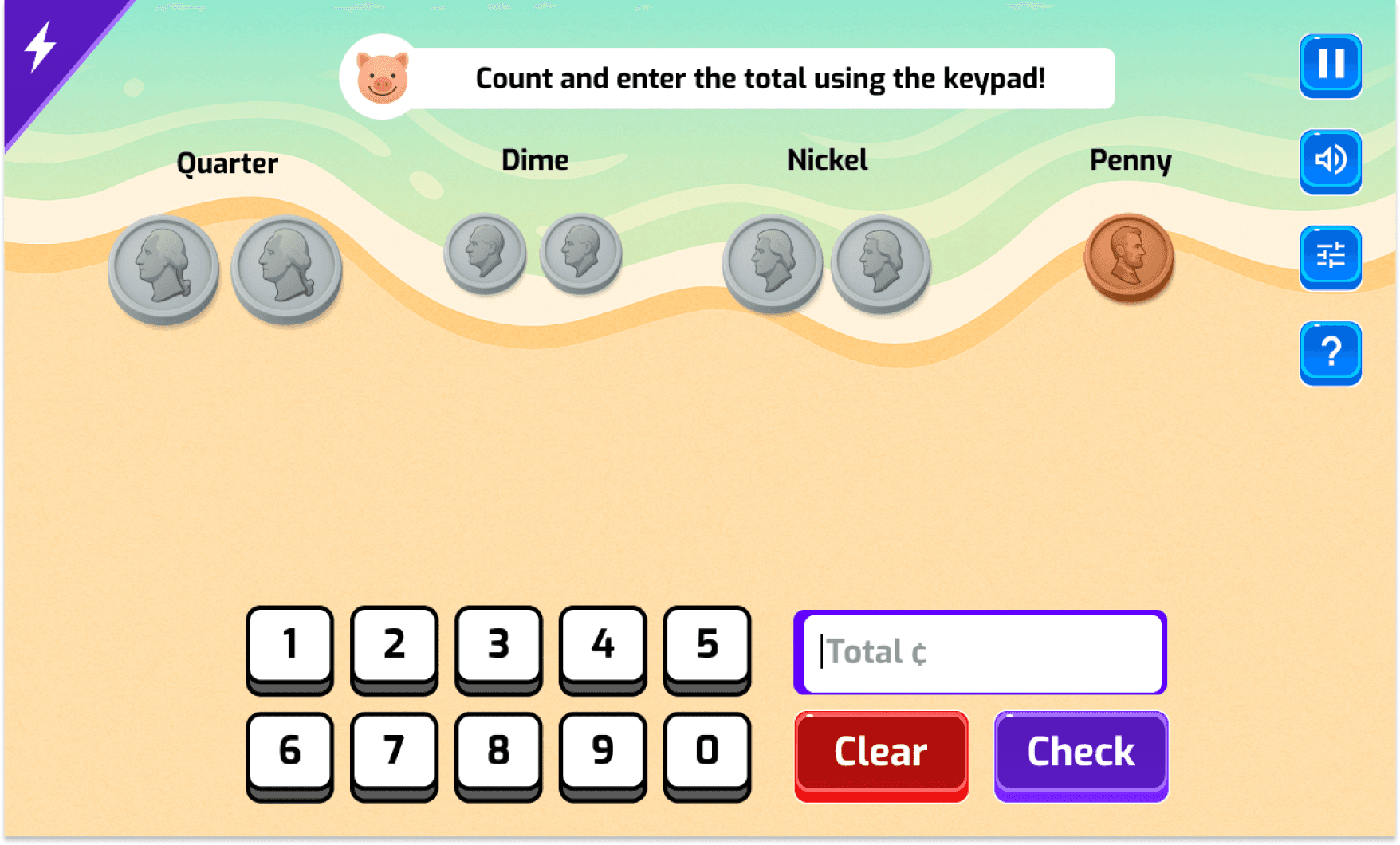
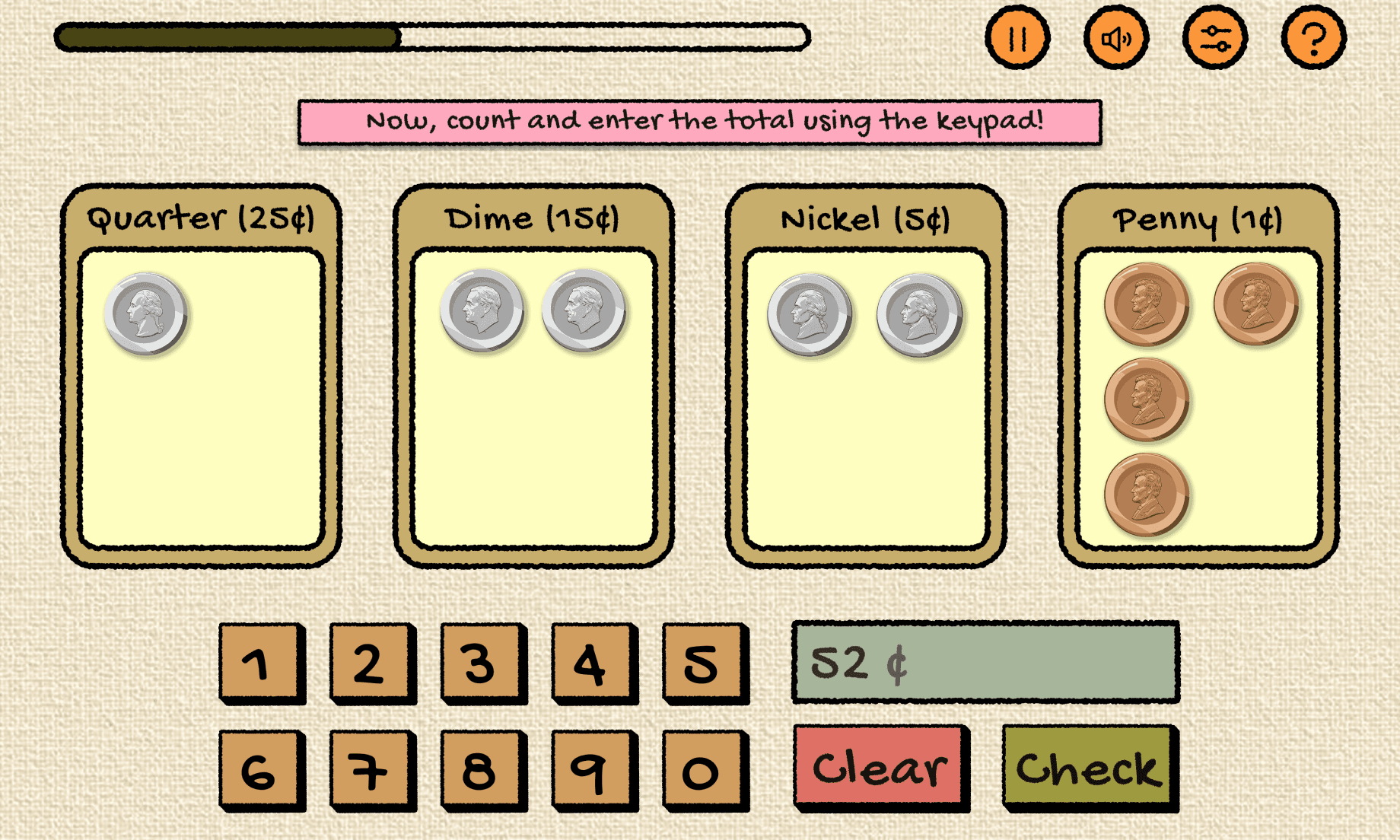
Product Focus : Onboarding Experience for First-Time Users
Jira is a cloud-based project management tool by Atlassian, used by teams across software, marketing, HR and operations to track and manage work.
Originally built for developers, it's now one of the most widely used collaboration tools in the world.
Research
Moodboard
Visual System
UI Components
Screens
Feedback System
MOODBOARD
Theme Exploration (Moodboard)
Theme name:
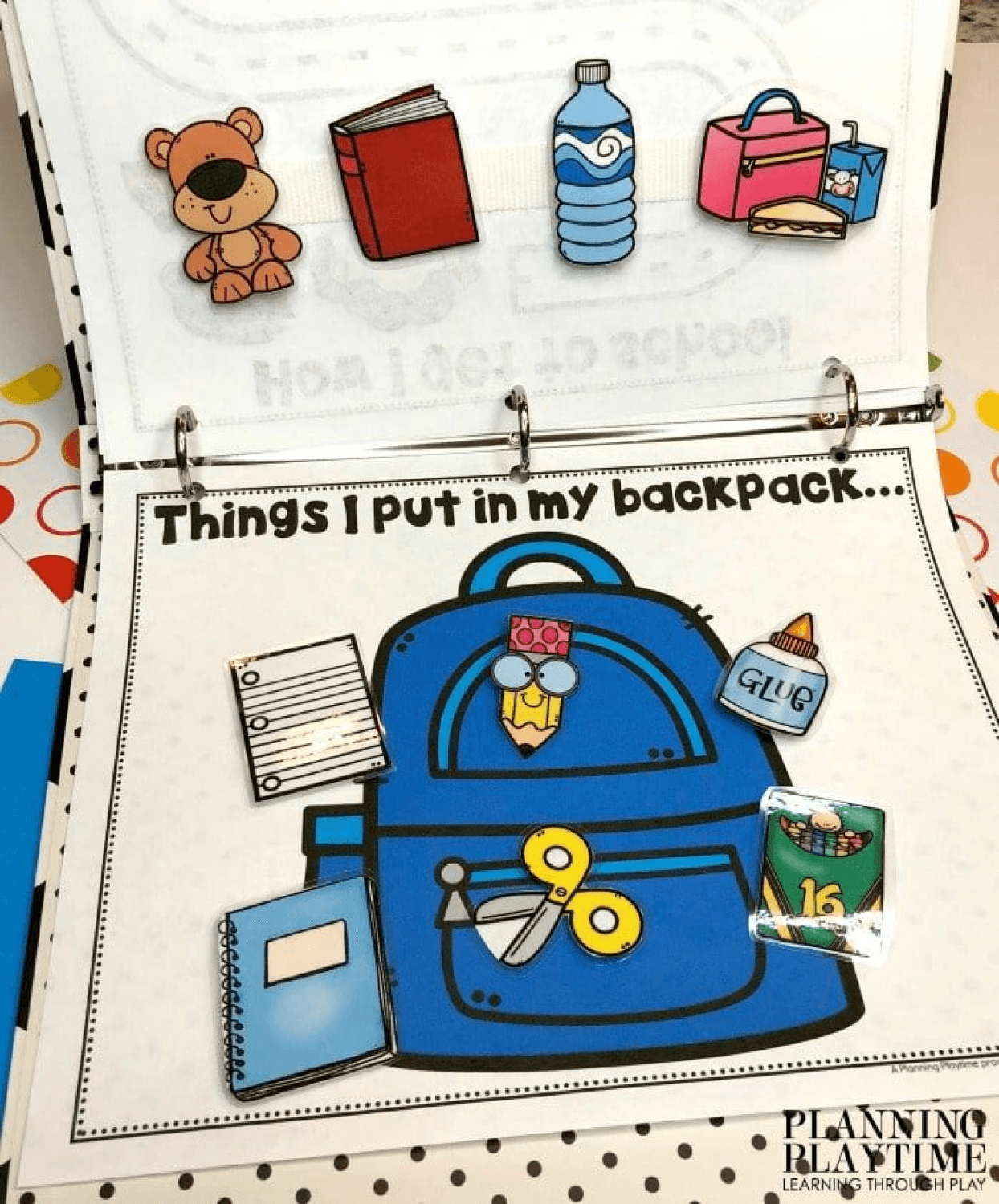
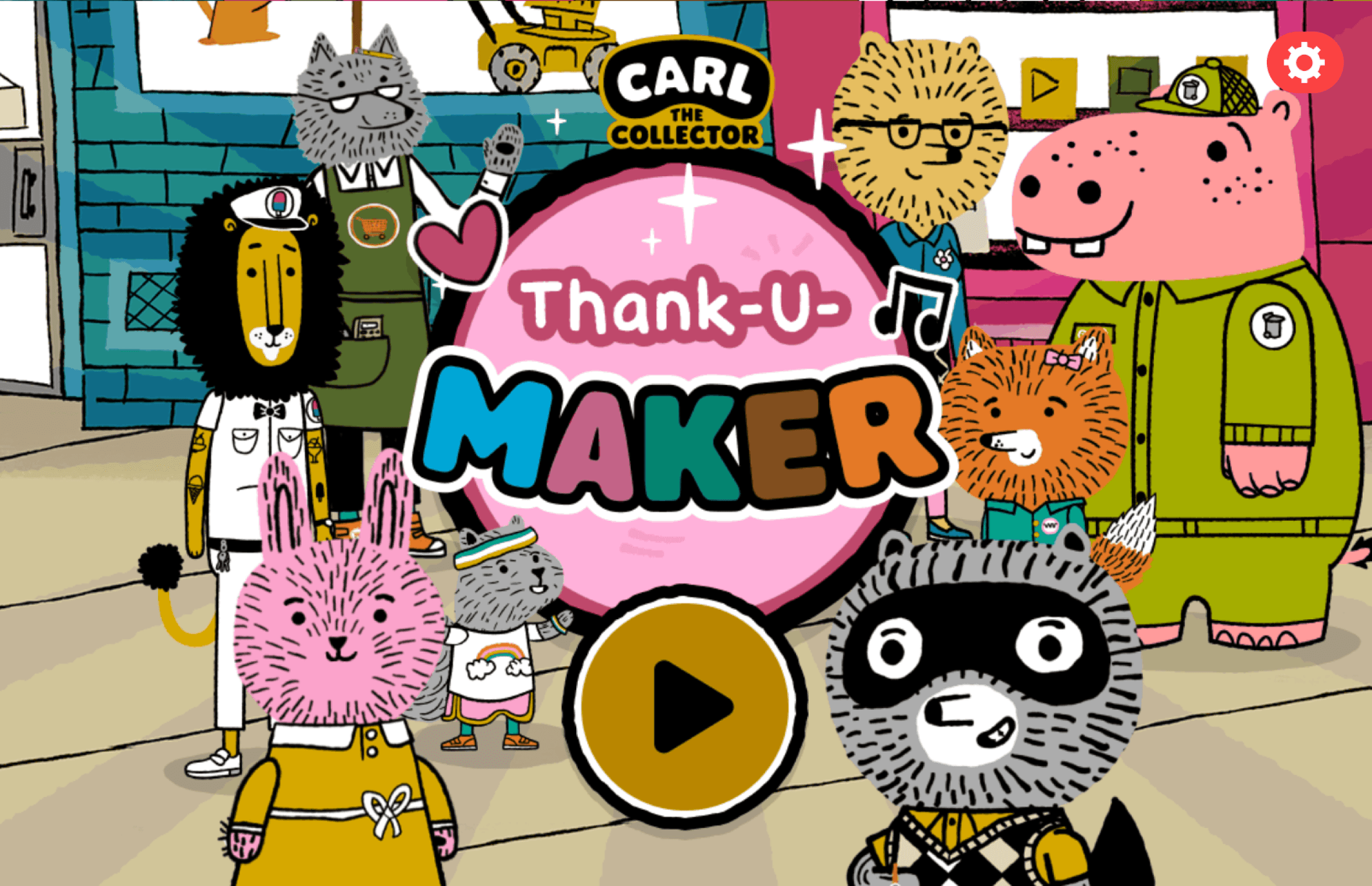
Handmade Classroom / Craft Workbook
The visual direction is inspired by classroom craft materials and activity workbooks and video games. The goal was to create a warm, tactile, and approachable learning environment that feels familiar to young students.
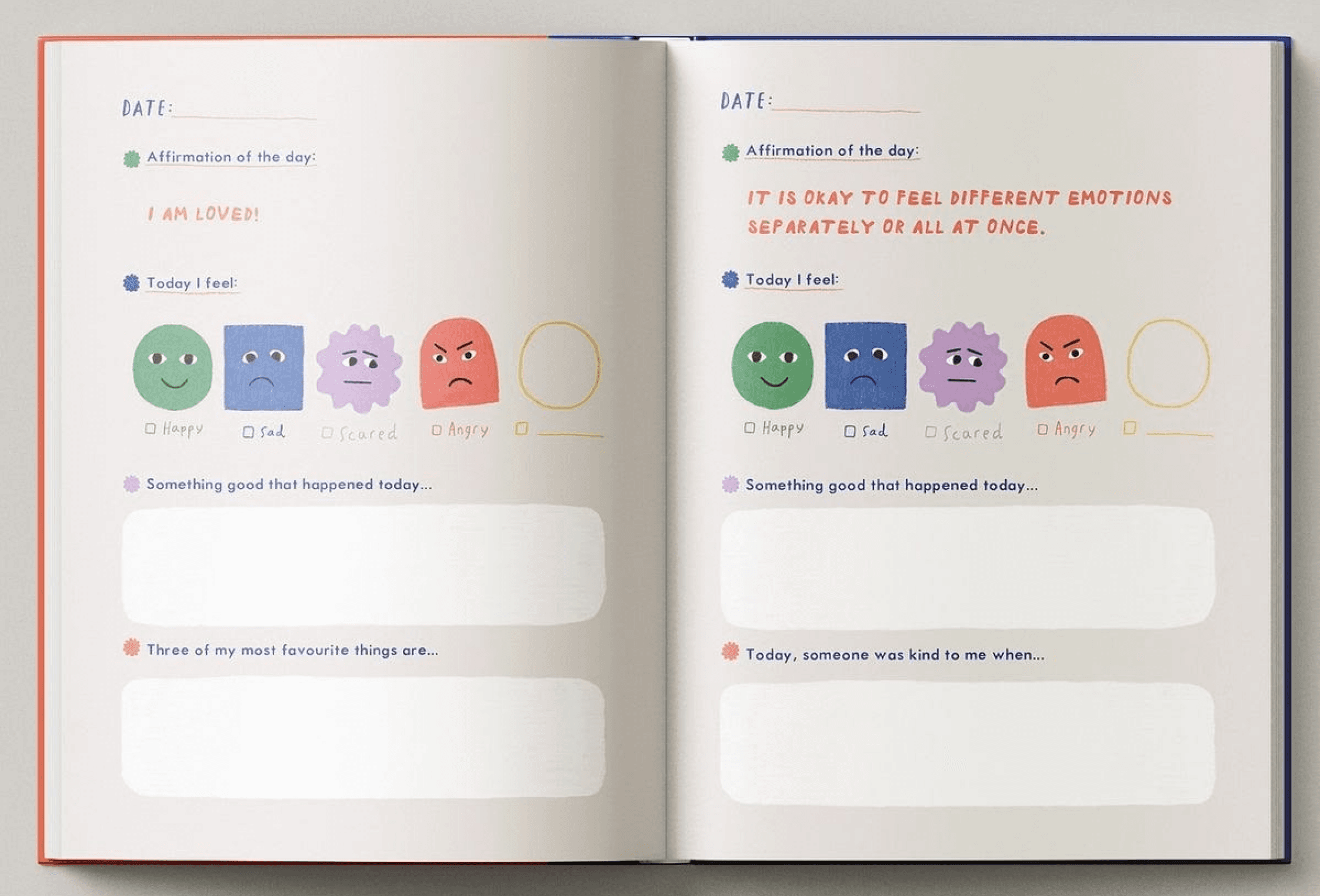
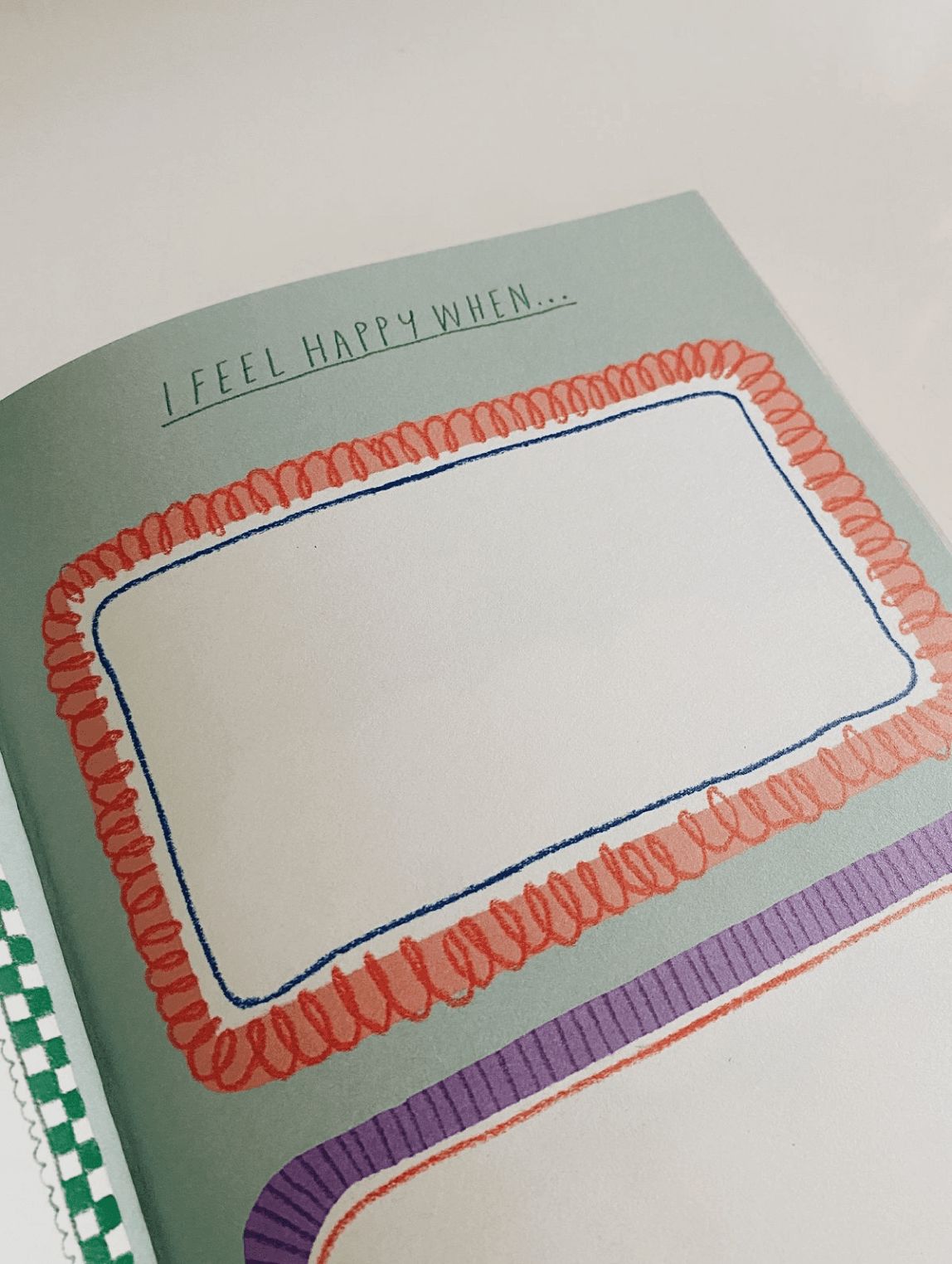
Visual Direction
Color Pallet and Typeface selection :
Warm, muted colors were selected to maintain focus on learning content while creating a friendly and calm environment.
A rounded, handwritten-style typeface was chosen to match the craft theme and improve readability for early learners.
Typeface 01
Typeface 02
Typeface 03
UI COMPONENTS
UI Component Design
Buttons were designed first to establish a consistent interaction language across all screens.

SCREENS
Experience Flow
Screen 1: Sort the Coins
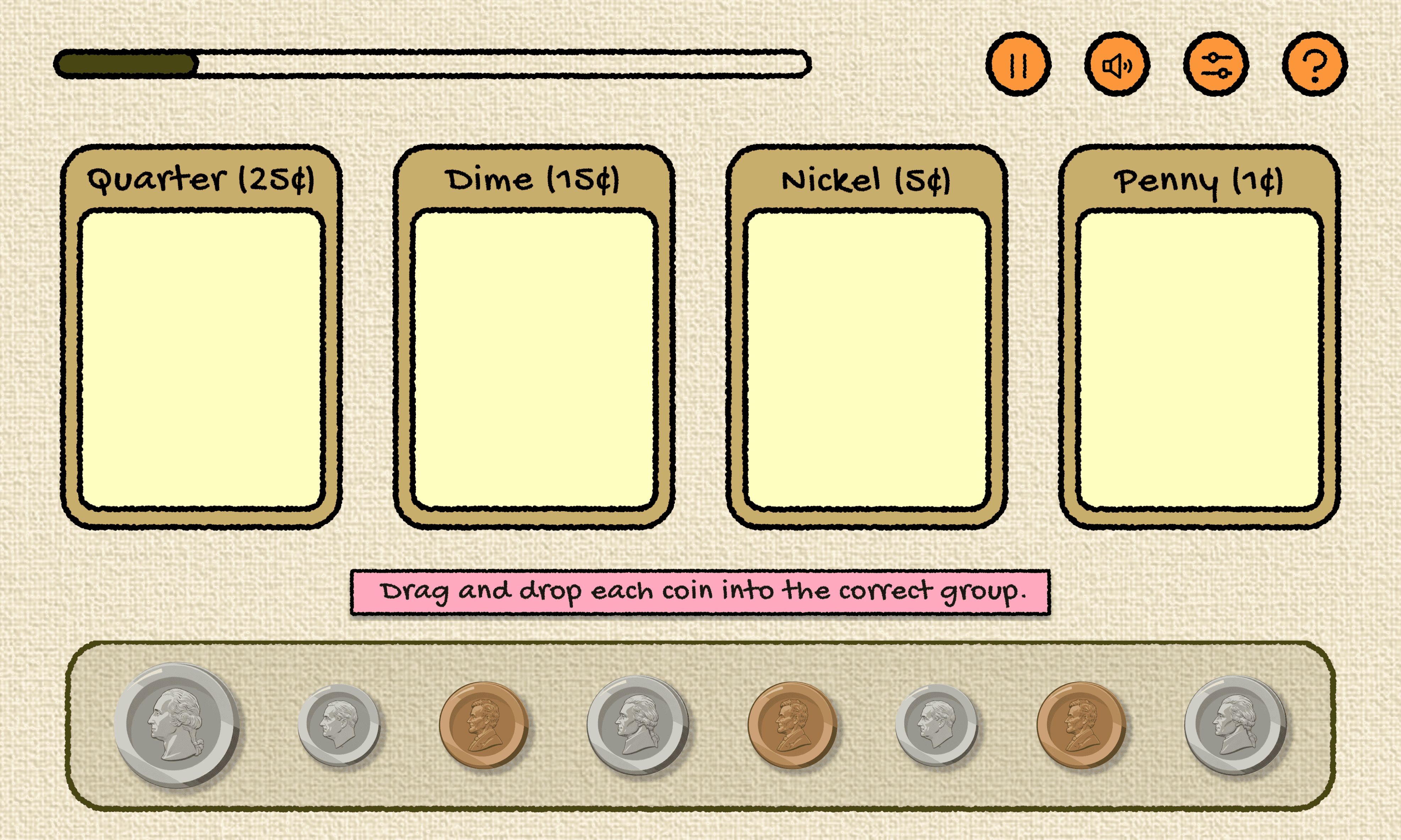
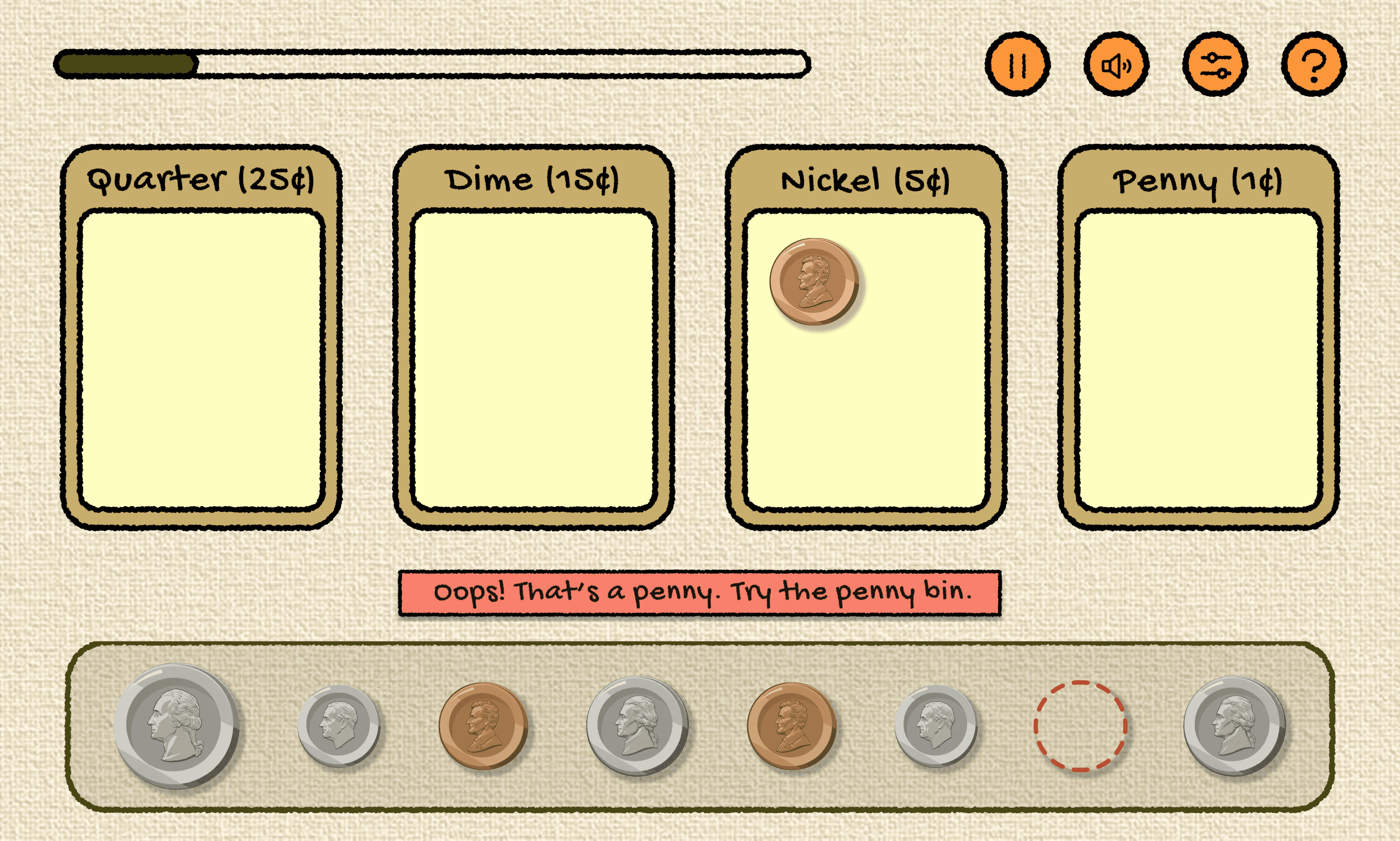
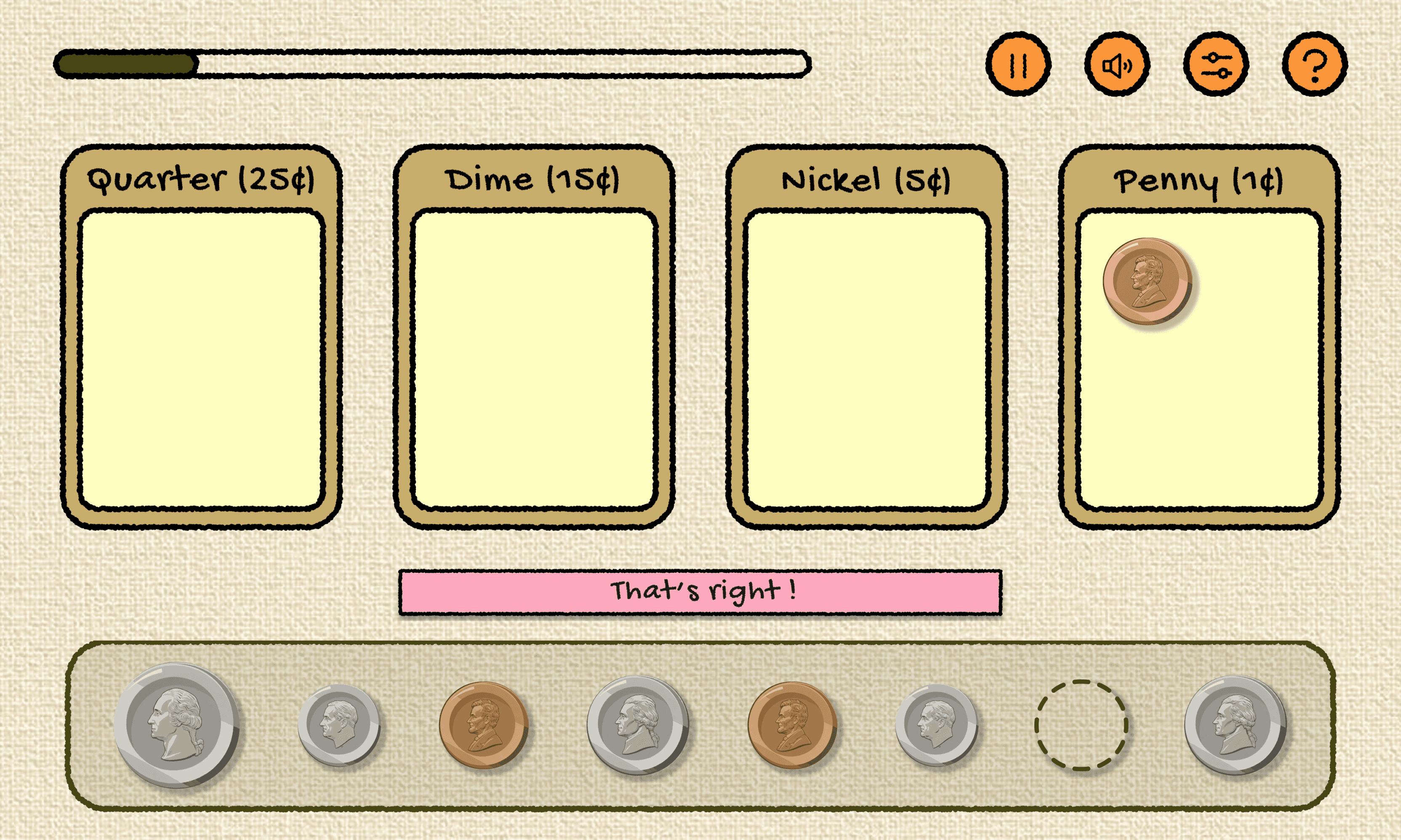
Students drag coins into matching bins to learn categorization before counting. I used UX principles such as : Learn-by-doing, Immediate feedback, Error prevention and Visual grouping.
Error & Success Feedback (Sorting)
Correct Interaction
Coin snaps into place and aligns uniformly.
Incorrect Interaction
Coin returns to original position with guiding feedback.
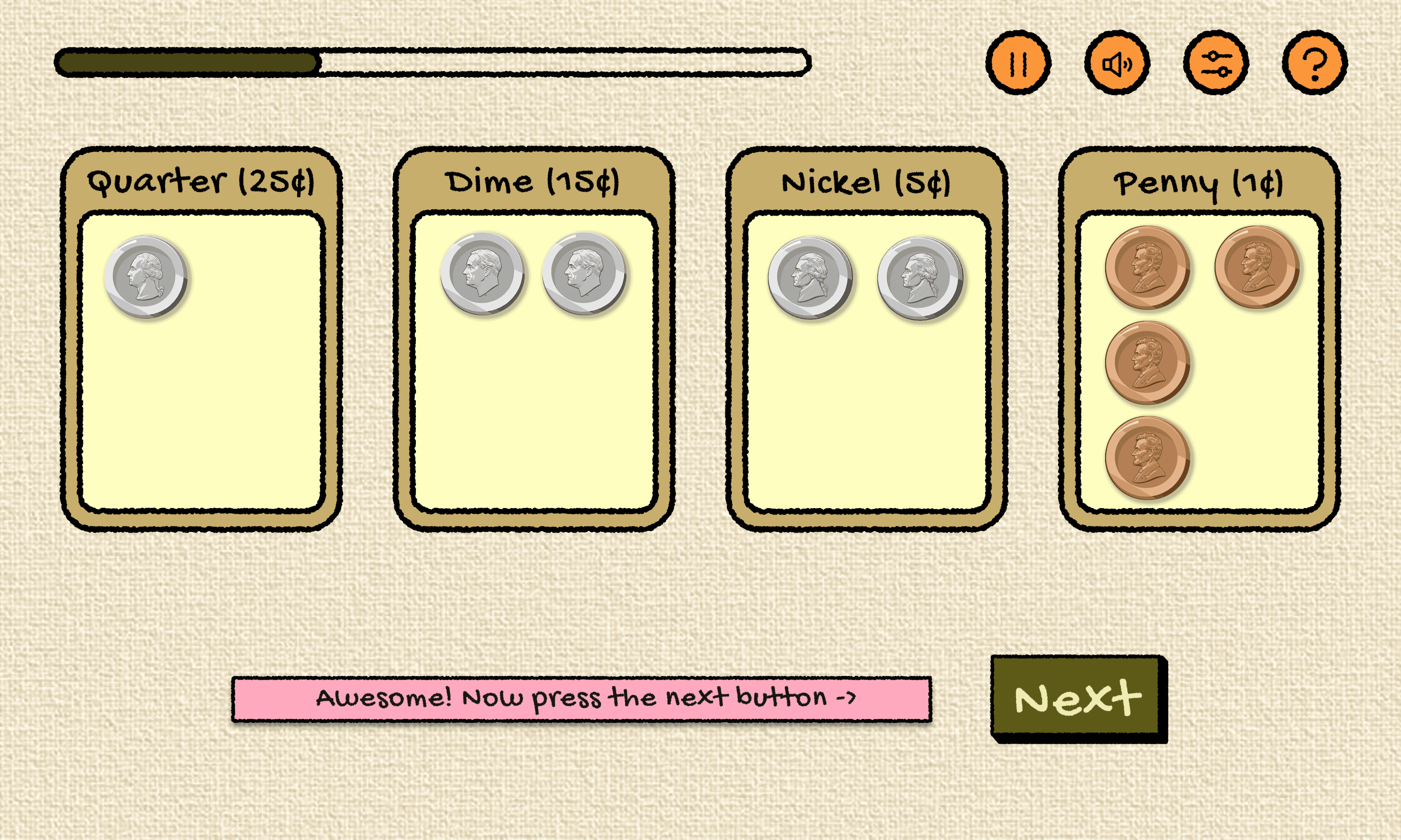
Transition to Next Task (Sorting)
Guiding to the next task
Once the grouping is done , kids are directed towards the next task
Experience Flow
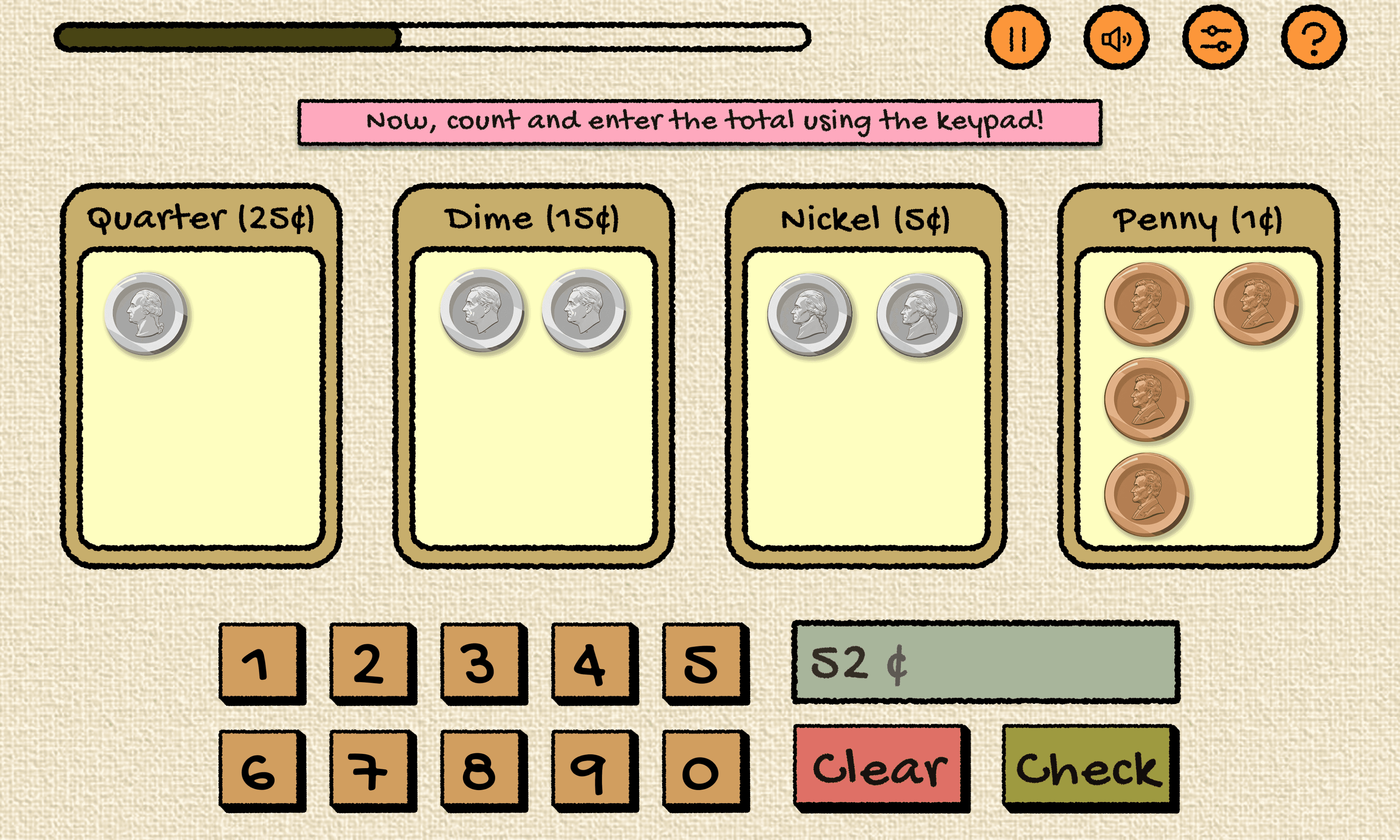
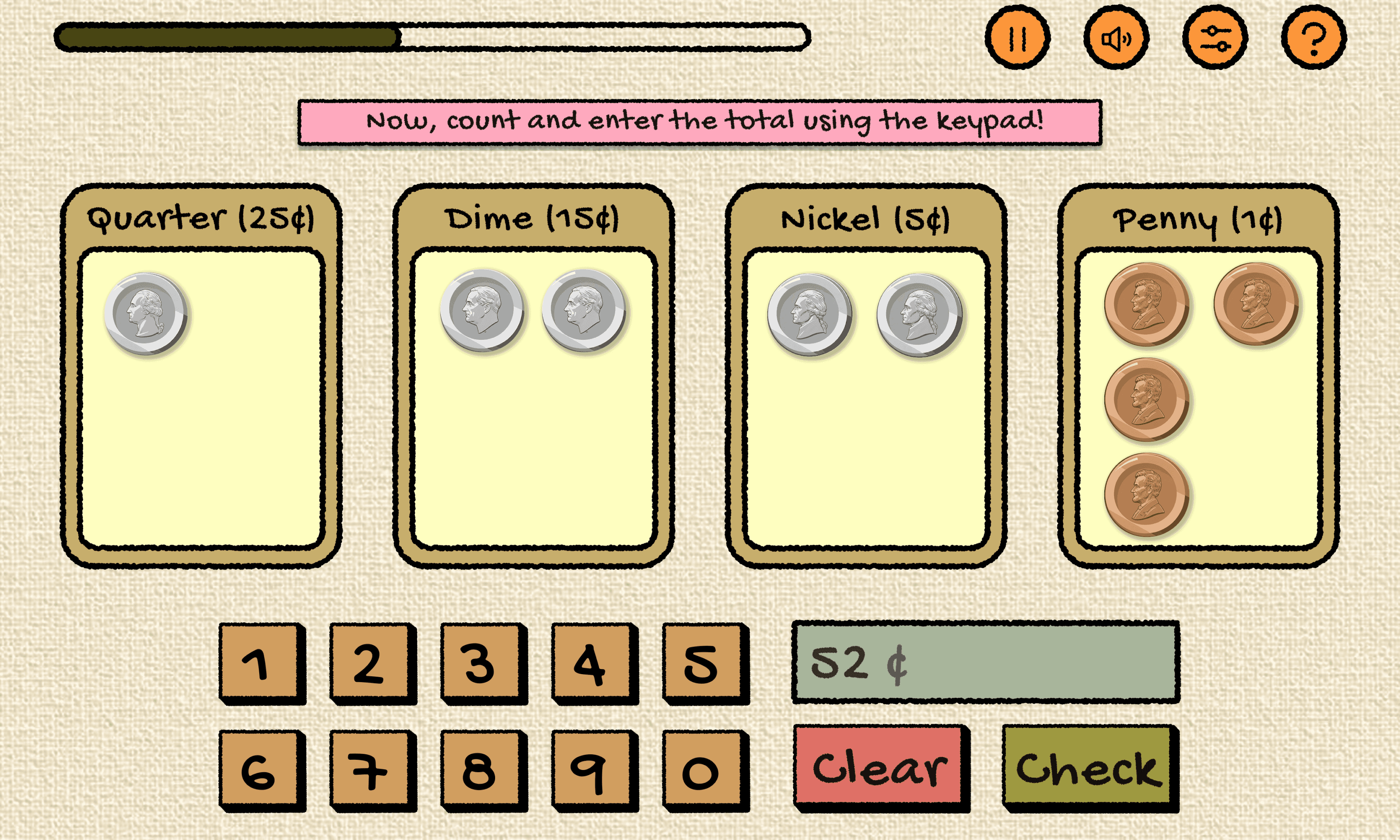
Screen 2: Count Each Group
Students calculate totals mentally and enter answers using the keypad.
Error & Success Feedback (Counting)
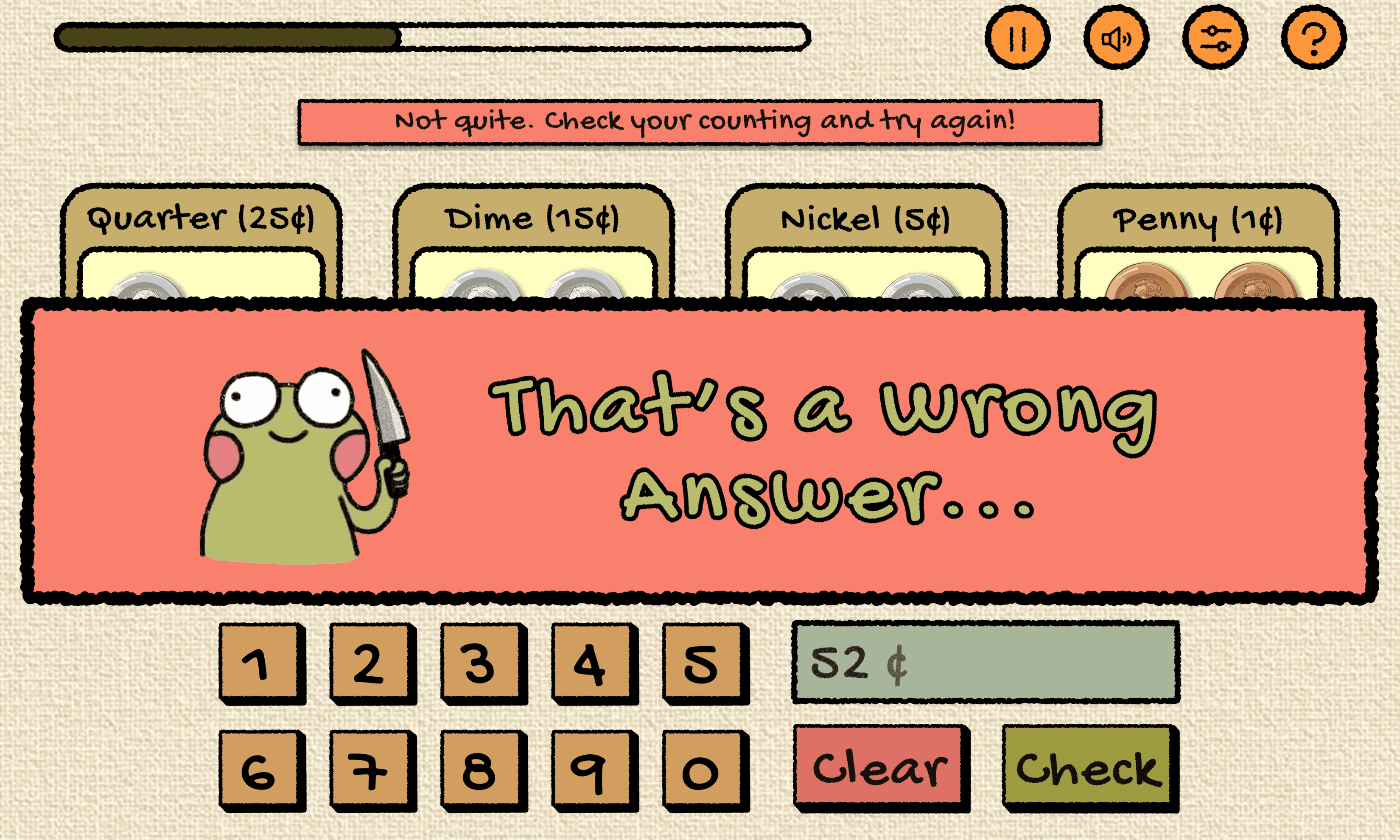
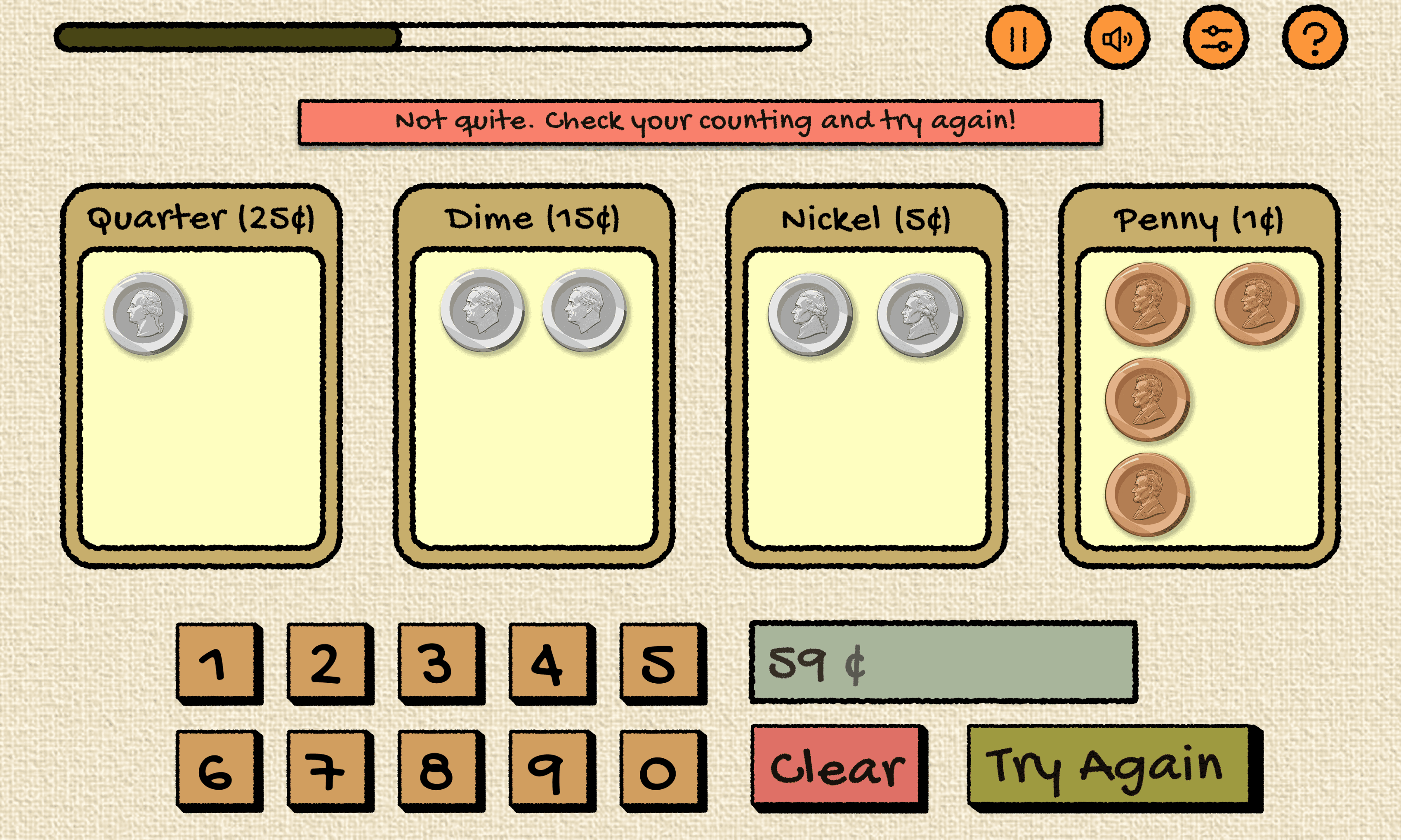
Incorrect Interaction
Friendly popup message encourages retry.
Error & Success Feedback (Counting)
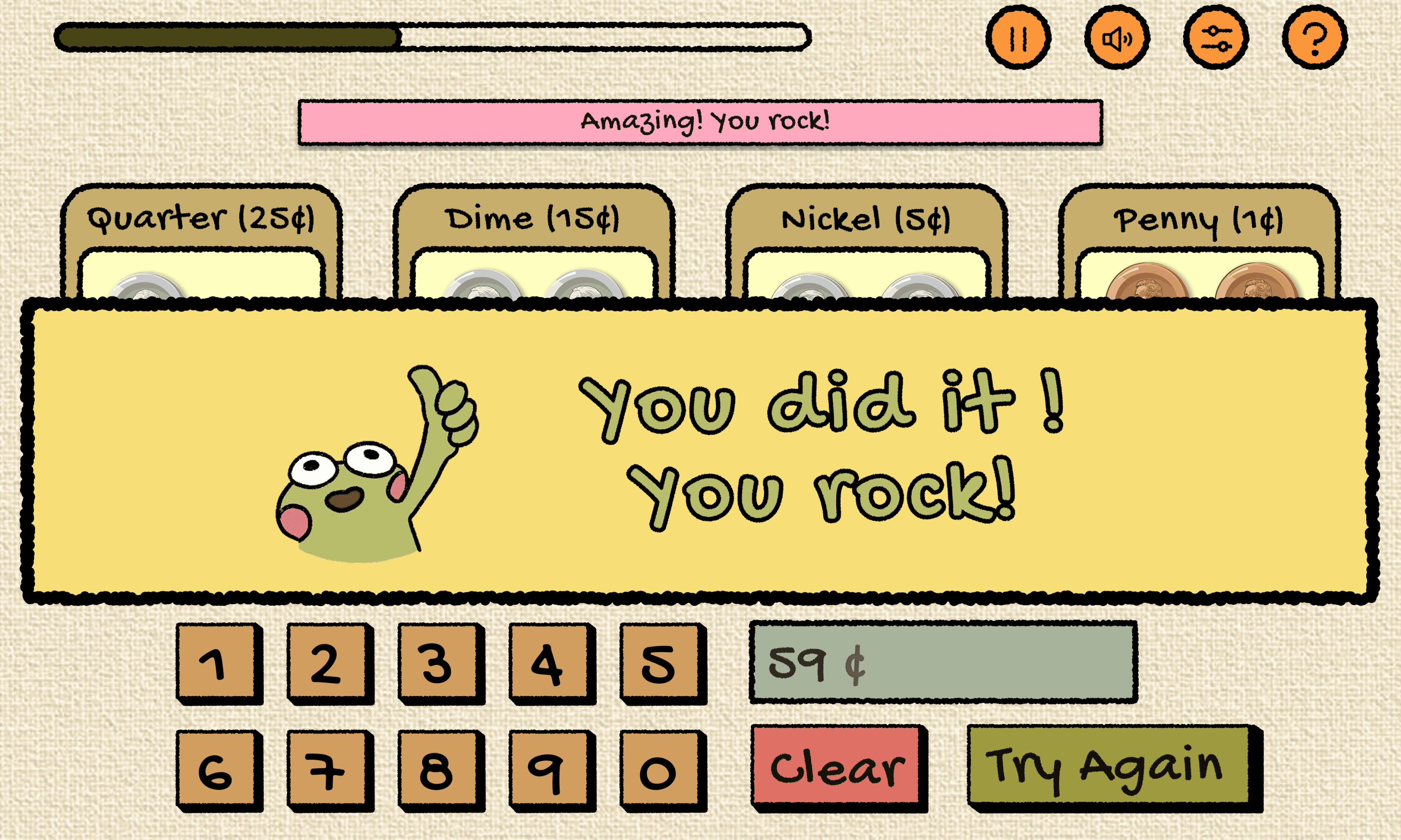
Correct Interaction
Success message confirms understanding.
Accessibility Considerations

Key UX Principles Applied
Guided learning progression
Immediate and supportive feedback
Consistent interaction patterns
Positive reinforcement
Visual grouping for comprehension
Error recovery without penalty
Cognitive load reduction
Child-friendly visual language